
AI Brain Clone · free and paid resources from LCGIS
Build an AI that works the way you do.
AI Brain Clone is the resource center for training your own AI brain: your judgment first, your knowledge second, the tools third. Every walkthrough, email series, guide and article is here, in one place. Start wherever fits.


Guided setup
Do it in one sitting, at your own pace.
AI Brain Setup
A guided chat for small business owners. It asks one question at a time, you reply, and you leave with a Brain Pack: paste-ready instructions, rubrics, skills, a connector plan and an operating guide. Twelve steps, security first. Works in Claude, ChatGPT, Gemini, Copilot or any AI tool.
Start the 12-step walkthrough (opens aibrainclone.chat) →Free guide: build your website with AI
A PDF you keep and work through at your own pace.
DIY AI Website Kit for Business Owners
Start from the material your business already has, keep your judgment in charge, and finish with a site that sounds like you. Security comes first, then five decisions only you can make, then the AI. Pick one of three paths: brand exposure, private team training or customer return. Works in Claude, ChatGPT, Gemini, Copilot or any AI tool.
Get the free kit →Free assessment: find your real AI level
See where your work puts you, not where you'd guess.
AI Skill-Space Assessment
Sixteen questions about what you have actually done with AI. You get a score out of 100, your verified level out of eight, and a reality check against the level you picked yourself. Built for business owners and consultants. Your result appears as soon as you finish, no email needed.
Take the assessment →What you leave with: a Brain Pack
A Brain Pack tells your AI who you are and what it may touch. AI is a mirror: it gives you what you give it.
The twelve steps, in this order, for a reason
- Think first, outline the projectFirst Brain
- Lock down securityFoundation
- Define who you areFirst Brain
- Research with receiptsSecond Brain
- Feed the knowledge baseSecond Brain
- Choose your workspaceThird Brain
- Install the brainAll three
- Set your rubricsSecond Brain
- Create skillsThird Brain
- Connect your appsThird Brain
- Build with a briefThird Brain
- Let it run, and keep watchingThird Brain
No app gets connected until these four are done.
- A new email address used only for your AI and business work
- Multi-factor sign-in and a unique password on that email and your AI account
- A separate browser profile, so the wrong account is never already signed in
- A written list of what you will never paste or upload
The walkthrough never asks for passwords, keys, card numbers or client data.
Email series & newsletter
Free, in your inbox. Pick one, or start small and move up.
Free · 7 emails · dailyMake AI Sound Like You, in 7 Days
The quick win: one week, about 10 minutes a day, to an AI that drafts in your voice.
Day 1: why AI sounds like everyone else. Day 7: your before and after, side by side.Start the 7-day email starter →Free · 15 emails · every other day30 Days to Your AI Brain
The full setup in the right order: security, your voice, your knowledge, then tools and automation.
Days 1–10 First Brain · Days 11–20 Second Brain · Days 21–30 Third Brain.Start the 30-day series →Free · about twice a monthThe LCGIS Newsletter
What's actually working inside real AI work. One idea, one thing to try, no filler.
Ethics, privacy and compliance treated as part of the job. No prompt packs, no hype.Get the newsletter →The AI Brain Troubleshooting Handbook
When your AI gives generic, wrong or off-brand answers, find the brain that's broken and fix that one. A living online guide: 19 guides covering 101 symptoms, sorted by First, Second and Third Brain, each with the steps to fix it. Pay once, keep it for good. New guides are added as they're written.
$27$50Black Friday · $23 off
- 19 guides · 101 symptoms mapped · 3 brains to check
- Organized by brain, so you fix the cause, not the symptom
- Lifetime access, plus every new guide
- If your AI is
- Writing in a voice that could belong to any company
- The problem
- Your standard for "us" has never been put into words.
- The fix
- Write a one-sentence operating identity and give it real samples of your voice.
Paid resources: work with me directly
Three separate things at three depths, not three tiers of the same offer. One decides, one builds, one is a long-term engagement. Pick the depth that fits, or start with the Handbook above.
45 minutes · one call
Three Brains Clarity Call
$149
We decide what to do. Nothing gets built. We find the one constraint holding back your return on AI and agree on the single next lever to pull.
- One constraint, named out loud
- One next lever, with the reasoning
- The whole plan in writing afterwards
90 minutes · one payment
Build It With Me
$599
We build one working thing together, live, in a single session. Up to 70 minutes of building. You own everything we make and you keep the recording.
- Pick any build from the free guide library
- Full ownership of what we build
- Lesson plan, documents and the recording
Ongoing · by application
Three Brains Partnership
Custom proposal
A long-term engagement, not a session. Up to twice a week while we build or rebuild your whole AI brain and train your team.
- One quarter minimum, billed quarterly
- Scoped and priced in a custom proposal
- Two partnerships at a time
Not sure which fits? The application asks a few questions and I read every one myself. Apply to work together →
Articles
Read anytime. No email required.
I Get Paid to Test AI Models. Here's Why I Still Paid for One Myself.
How to choose the AI brain that fits your business, not the one that's trending.
Read on Substack → SubstackThe Rubric Comes First
Why the rubric is the real heartbeat of any AI system, and what happens when businesses skip straight to the tool.
Read on Substack → SubstackThe $40,000 Blind Spot
What happens when an AI browser extension goes wrong inside a real small business, incident by incident.
Read on Substack → SubstackPinterest Just Exposed the Biggest Flaw in Small Business AI
Search finds what customers can put into words. A well-run AI brain has to catch what they can't yet articulate.
Read on Substack →What is an AI brain, and why three?
An AI brain is the judgment, knowledge and rules an AI works from. If it's thin, you get generic answers. Everything here builds it in the same order: your First Brain (judgment, voice, ethics), your Second Brain (the systems and knowledge your business runs on), then your Third Brain (AI tools and automation).
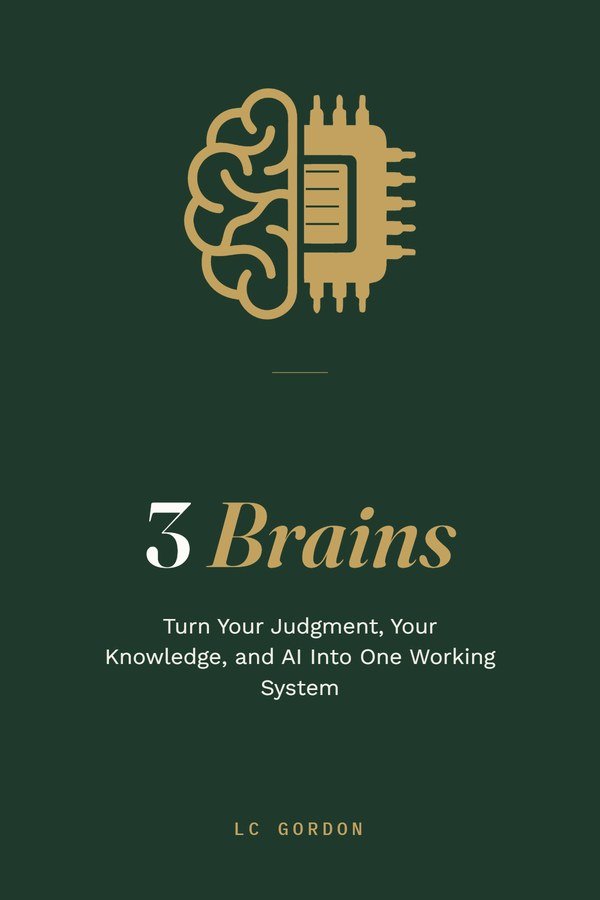
SMART is how an AI brain is built to work like yours: Scope (what only you handle and what the AI takes on), Monitor (ongoing oversight of what it produces), Archive (the SOPs, notes and templates it learns from), Retrieval (pulling the right information at the right moment) and Trigger (knowing when to act). The full framework is in the book.
Common questions
What is an AI brain?
The judgment, knowledge and rules an AI works from. When it's thin, you get generic output. AI Brain Clone teaches you to build it in order: your judgment, your systems, then the tools.
What is AI Brain Clone?
AI Brain Clone is the free and paid resource side of LCGIS: the AI Brain Setup walkthrough, the DIY AI Website Kit, two free email series, the newsletter, the articles on Substack and the AI Brain Troubleshooting Handbook.
Where should I start?
New to this: the 7-day starter. Want the full setup in one sitting: the AI Brain Setup walkthrough. Building or rebuilding your website: the DIY AI Website Kit. Already using AI and it's giving bad answers: the Troubleshooting Handbook.
What are the paid resources?
Four, at four depths. The Troubleshooting Handbook at $27 once. The Three Brains Clarity Call, 45 minutes at $149, where we decide what to do. Build It With Me, 90 minutes at $599, where we build one working thing together and you own it. And the Three Brains Partnership, ongoing and by application, with a quarterly minimum and a custom proposal.
Are the walkthrough and email series really free?
Yes. The walkthrough, the DIY AI Website Kit, the 7-day and 30-day series, the newsletter and the articles are free.
Is the Handbook a subscription?
No. It's $27 once, with lifetime access to the members site, including guides added later.
Do I need to be technical?
No. The walkthrough is a guided chat for small business owners. It asks one question at a time and you reply in plain language.
Will it ask for passwords or client data?
Never. The walkthrough and the email series never ask for passwords, keys, card numbers or client data, and no app is connected until your security steps are done.
Which AI tool do I need?
Any of them. The method works in Claude, ChatGPT, Gemini, Copilot or another tool. You pick yours at the start and the walkthrough points to the right settings.
What do you do with my email?
Your name and email are saved so you can pick up where you left off. The 30-day emails are optional and you choose them at the end. You can unsubscribe in one click.
What is the difference between the walkthrough and the 30-day series?
The walkthrough is a one-sitting guided chat that produces your Brain Pack. The 30-day series is 15 short emails that help you put it to work, one small action at a time.
Is this legal advice?
No. Everything here is general educational guidance, not legal, financial or security advice. Check the rules that apply to your business with a qualified professional.

I help build the tools you use. Literally.
I'm La Raven Gordon, founder of LCGIS. I've spent years inside the training pipelines of the AI models you use every day: rating outputs, writing rubrics, deciding what "good" means. I don't sell prompt packs. I teach the order that works: judgment first, structure second, the tool third.
Want help building yours?
Everything above is built to do on your own. If you'd rather build it with LCGIS directly, start with a Clarity Call, book Build It With Me, or apply for the Partnership.
Apply to work together →